
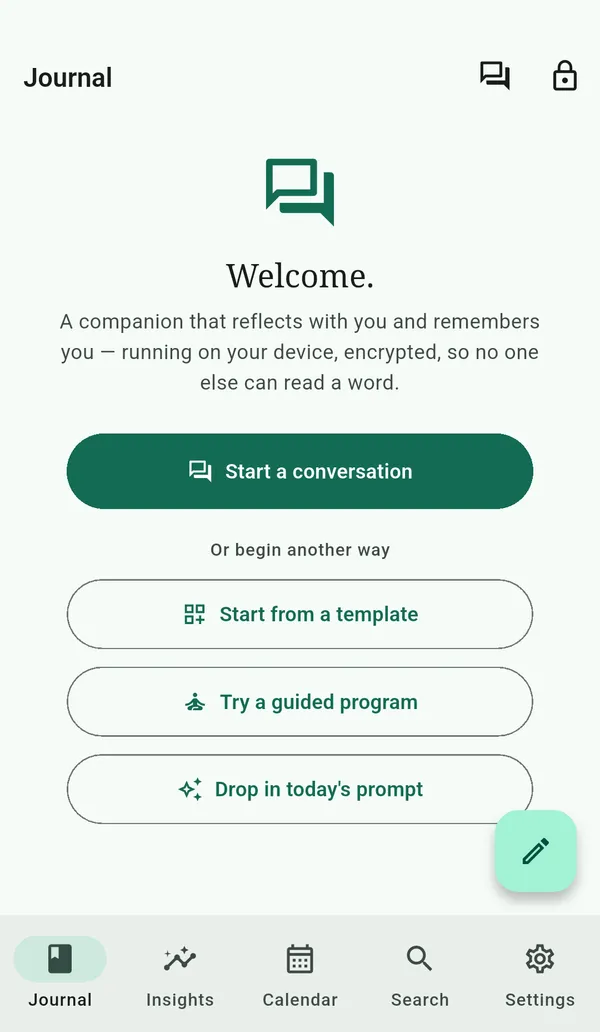
Graphophone is a notebook that reflects with you, without sending your words anywhere. Setup takes under three minutes and never asks for an email address.
-
Install the app
As builds open on each platform (see the download page for current status), install Graphophone from the App Store (iOS), Google Play (Android), the Microsoft Store (Windows), the Mac App Store (macOS), or Flathub (Linux). No account is required.
-
Pick a passphrase
On first launch, choose a passphrase of at least 12 characters. This passphrase encrypts every entry; losing it means losing the journal. We cannot reset it, and that is the point.
-
Save the recovery code
After the vault is created, Graphophone shows you a one-time recovery code. Write it down somewhere offline. It's the only fallback if you forget the passphrase.
-
Write your first entry
Tap the pencil. Body autosaves every two seconds. Add tags by typing #word — they make later searches sharper.
-
Try the on-device AI
In the editor, tap a Reflect-with-AI button. The first time, you'll set up on-device AI with a one-time download of the model — from ~469 MB for the Compact tier to ~2.3 GB for Max, whichever suits your device (Settings → On-device AI; Wi-Fi recommended). After that it runs fully offline by default, with nothing leaving your device unless you point the app at a model server you run yourself.
What's next
Explore what Graphophone can do:
- Search your journal keywords, find-by-meaning, and ask-your-journal answers.
- Use the local AI what runs offline and what's optional.
- Track your mood one tap, then a calendar, a year in pixels, and trends.
- Try a guided program short CBT/ACT & self-compassion journeys.
- Keep a decision journal predict, review, and calibrate.
And keep your journal safe: